


Most retirees who look into earning online get stuck on the same worry before they ever open a laptop. It isn’t whether an online income is realistic at their age, or whether the effort is worth it. It’s a quieter fear: that building a website means learning to code, wrestling with confusing software, or calling a grandchild every time something breaks. That fear alone stops more people than any question about money or time ever does.
It makes sense. Most of us picked up computers late enough in life that “technical” still sounds like a foreign language, one spoken fluently by twenty five year olds and nobody else. But building a website today has almost nothing to do with code. It has a lot to do with filling in boxes, clicking buttons, and choosing from menus, the same kind of thing you already do when you book a flight online or order groceries for delivery. This article walks through exactly what the technical side of starting an online business actually involves, so you can see for yourself that none of it requires becoming a computer person. You can start an online business without tech skills, beginning with a simple website and learning one task at a time.
What ‘technical’ actually means in an online business, and what it doesn’t
When people imagine the technical side of a website, they usually picture something like writing instructions in a programming language, or fixing something buried deep inside a computer’s settings. That work exists, but it belongs to software engineers building apps and operating systems. It has nothing to do with starting a simple content website, the kind that shares information people are searching for and earns a commission when they buy something as a result.
What “technical” actually means for a beginner online business is much smaller:
- Typing words into a page
- Choosing a design from a list
- Clicking “publish”
- Searching for a topic to write about
- Checking which pages people are reading
None of that involves code. None of it involves opening a command line or editing a file you can’t see. It’s closer to filling out a form than programming a computer, and the platform handles everything underneath it.
A website uses familiar tasks
For a simple content website, the day-to-day work can look more like using a word processor than programming.
The point: The article’s basic website tasks do not require writing code, using a command line, or managing a server.
How to Start an Online Business Without Tech Skills
Inside Wealthy Affiliate, the website builder works by point and click, start to finish. You pick a name for your site, choose a design from a set of ready made templates, and the site exists, live on the internet, within a couple of minutes. There’s no blank screen asking you to type anything resembling code, because that screen doesn’t exist in this process at all.
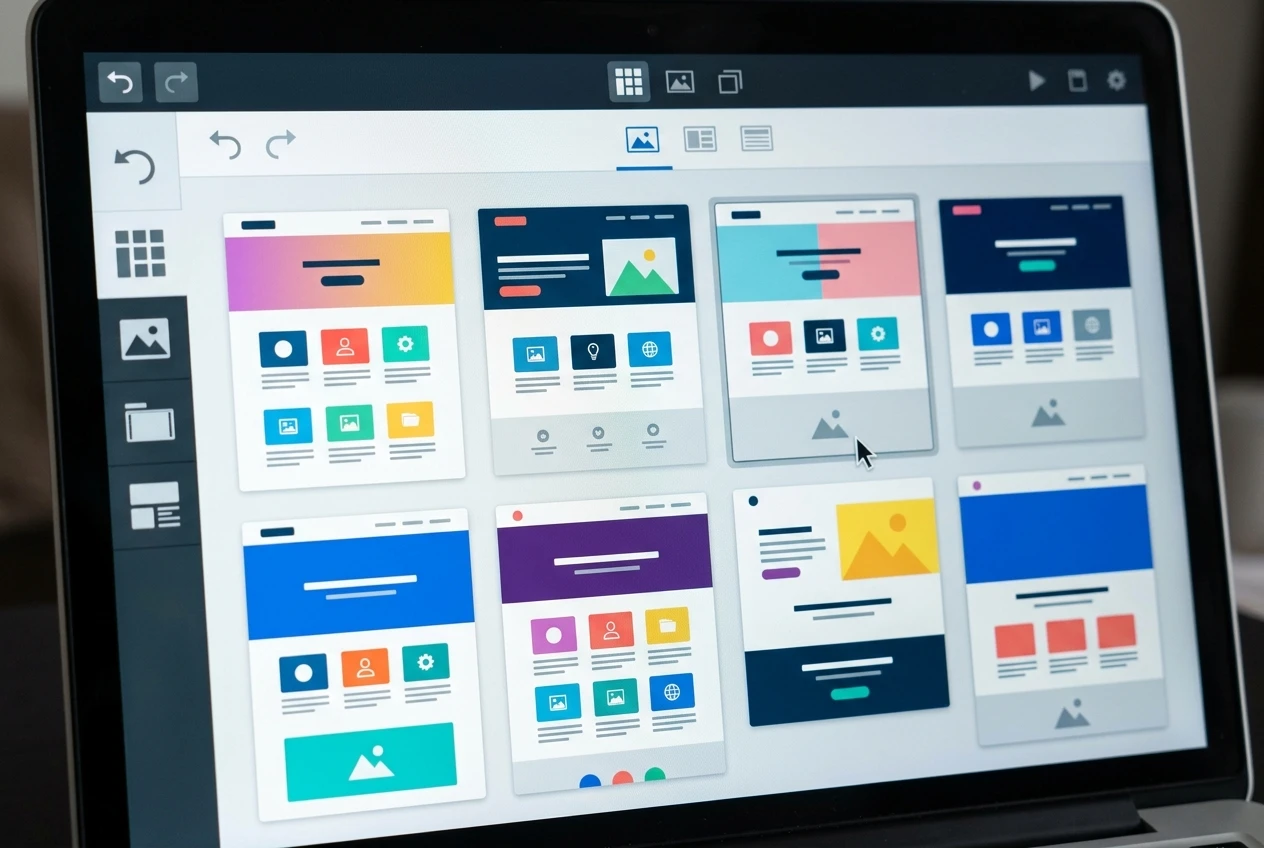
From there, adding a new page to your site means typing a title and writing your text into a box that looks like a simple word processor, the same kind of screen you’d use to write an email. Want to add a picture? You upload it the way you’d attach a photo to a text message. Want to change your site’s colours or layout? You pick from a list of options, the way you’d choose a template for a greeting card.
Every one of those tasks is something you’ve likely done before in some other context, on a phone or a laptop, without thinking of it as technical at all. The website builder simply applies that same familiar kind of interaction to the specific job of putting a page on the internet.
Where your site actually lives, and why you won’t touch a server
Here’s a word that scares people for no good reason: hosting. A website has to live somewhere, on a computer that stays switched on and connected to the internet at all times, called a server. Years ago, setting that up meant choosing a hosting company, configuring settings, and hoping nothing broke.

With Wealthy Affiliate, hosting is built into the membership. When you create your site through the website builder, it’s already placed on a server, already connected, already secure, with no separate account to open and no settings to configure. You will likely go through your entire first year without ever needing to know what a server is, because the work of keeping one running isn’t yours to do. It happens the way your hot water heater runs without you needing to understand plumbing.
Hosting, without the jargon
A server is the computer where a website lives. Hosting is the service that keeps the site available online.
The article describes hosting as part of the Wealthy Affiliate membership. Check the current plan details to confirm which features are included.
Getting help the moment you get stuck, instead of guessing alone
The real fear underneath the technical worry usually isn’t “can I do this?” It’s “what happens when something doesn’t work, and I’m sitting there alone, not knowing what I did wrong.” That moment, more than any single task, is what stops people before they begin.
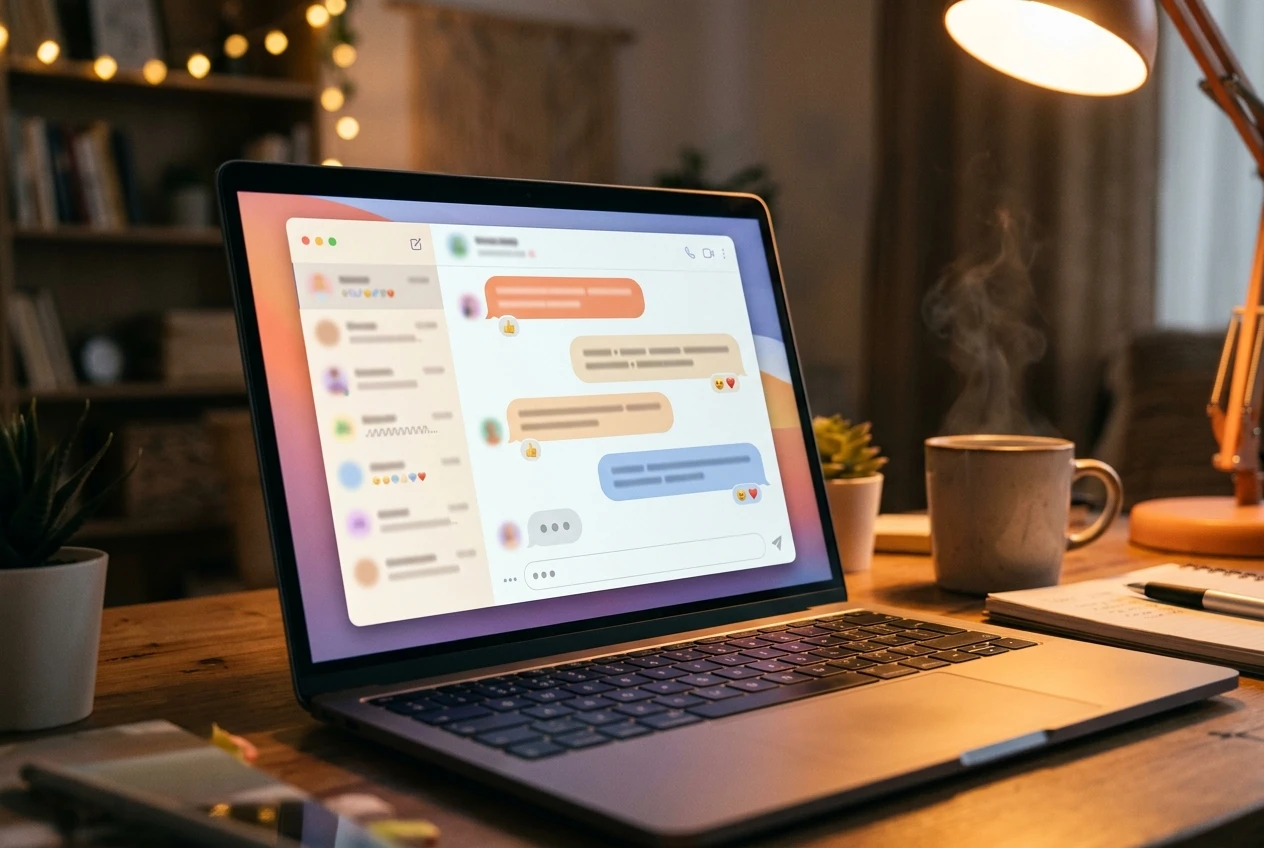
Inside Wealthy Affiliate, that moment looks different than it does on your own. There’s a live chat where other members, many of them retirees doing exactly what you’re considering, answer questions in real time. There are written guides and short walkthrough videos inside Learn that cover specific tasks, the kind you can watch once and then do yourself. And there are live classes, recorded for anyone who can’t attend at the scheduled time, that go through each part of building and growing a site, step by step, in plain language.
You’re never handed a problem and left to work it out from a manual. If something looks confusing, you ask, and someone answers. That single difference, having a place to ask and get a real answer, removes most of what makes “technical” feel frightening in the first place.
A few ways to get help
If you get stuck, the article describes several places to turn for guidance.
A realistic picture of your first week, click by click
It helps to picture what actually happens rather than imagining it in the abstract. Your first session at the computer would likely look something like this.
A possible first-week path
The article describes a simple sequence. Your pace may be different.
- 1 Set up the site Choose a name and a design using the website builder.
- 2 Write and learn Create pages and work through beginner lessons.
- 3 Ask when you need help Use chat, guides, videos, or recorded classes when a step is confusing.
This is an example of the process, not a deadline or a guaranteed result.
You’d join Wealthy Affiliate and land on a simple dashboard. You’d click into the website builder and choose a name for your site, something related to a topic you’re interested in. Within a couple of minutes, your site would exist, live, with a starter design already in place.
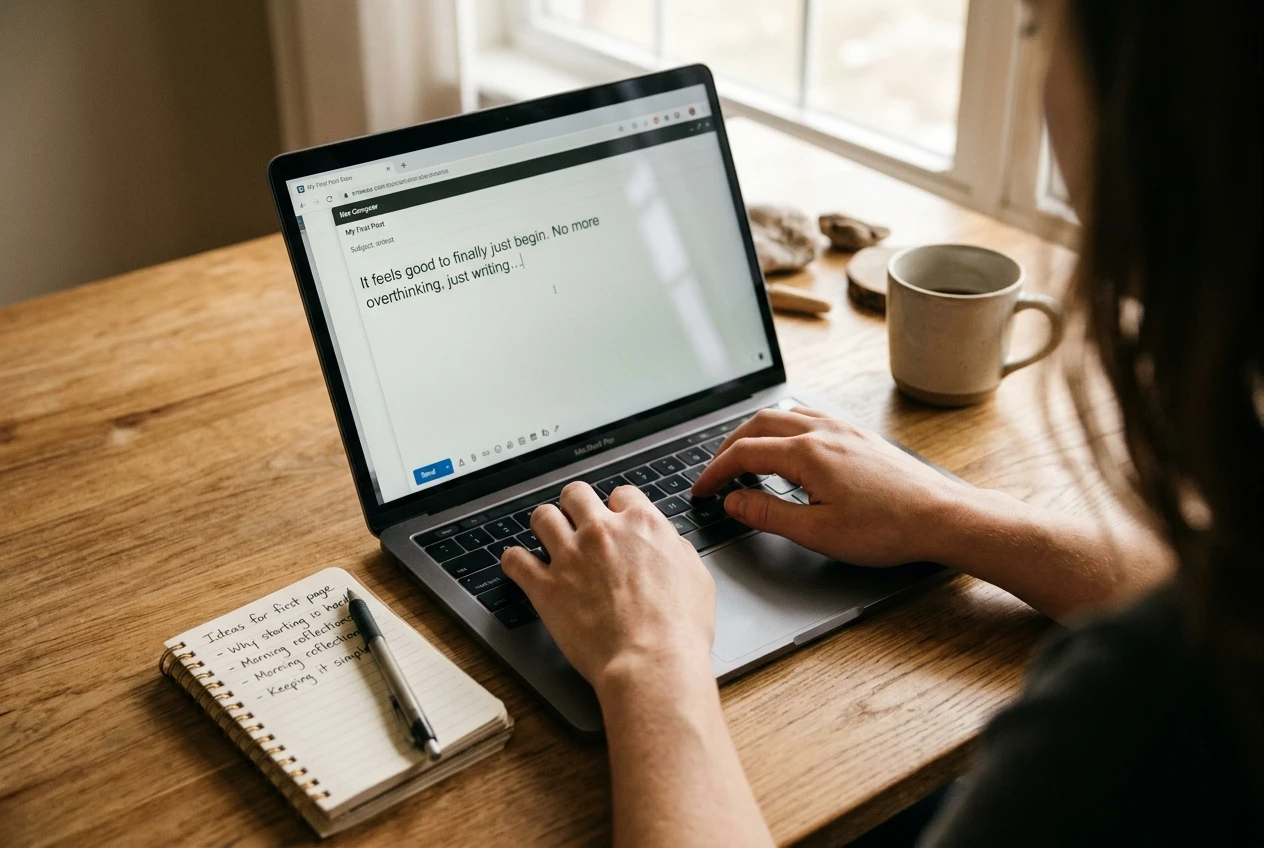
Over the following days, you’d write and publish your first few pages, using the same box for typing out your thoughts as you’d use for any email. You’d browse through a short series of beginner lessons inside Learn that explain, in order, what to do next. If a word or step confused you, you’d ask in the live chat and get an answer from someone who’s already done it.
By the end of the first week, you’d have a working website with several pages on it, built without opening a single line of code, without calling anyone for technical support, and without touching anything resembling a server. That’s not a simplified version of the process. That is the process.
If you’re still unsure, start here
If you’ve read this far and the fear hasn’t entirely let go, that’s a reasonable place to be. Most people who go on to build something worthwhile online started from exactly that same uncertainty. The difference isn’t technical skill. It’s simply taking the first look, which is why it’s worth reading Thinking About Earning Online After Retirement? Start Here if you want the broader picture before you decide anything.
But the quickest way to settle the technical worry for good is to see the tools for yourself, rather than take anyone’s word for it. Wealthy Affiliate offers a starter membership you can try at no cost, which gives you access to the website builder and the surrounding tools so you can click around and see exactly how simple it is, with nothing technical required to take that first look.
Frequently asked questions
Do I need coding experience to start an online business?
No. For a simple content website, the steps described here include choosing a design, writing page content, and publishing it. Those tasks do not require writing code.
Do I need to manage a server?
Not for the website setup described in this article. The website platform handles the hosting, so you do not have to configure a server yourself.
Does Wealthy Affiliate include website hosting?
This article describes hosting as part of the Wealthy Affiliate membership. Check the current plan details to confirm which features are included in the membership you are considering.
Where can I get help if I get stuck?
The support options described in this article include live chat, written guides, walkthrough videos, and recorded classes. Check current membership details to confirm which support options are available to you.